WebD Studio

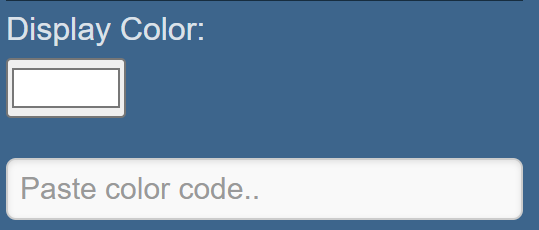
When there is a color code in the input field, the color picker will not work. If you want to use the color picker, you need to clear the input field first.
Use the scroll bars to customize the div, and press  to reset the properties to their default values.

Please check the box before using. If you uncheck the box, it will not work and will not generate the code for that section. However, the changes will still be displayed in the div even if the box is unchecked, but the code will not be provided.
In the Color palettes, Simply click on any color, and the color code will be copied to your clipboard. Please note that any colors or color palettes you create will not be saved after refreshing or reloading the website.
In the Code editor, The recent view code is saved even if you delete the generated code; however, any data you type in the code editor will not be saved. Only the most recent view of the code is preserved. You can switch between dark and light modes using the "Mode" button.
Disclaimer: Generated code is stored in local storage. If you clean the local storage, the saved data will be removed.
© 2024 WebD Studio. All rights reserved. Developed by Udit Kumar.